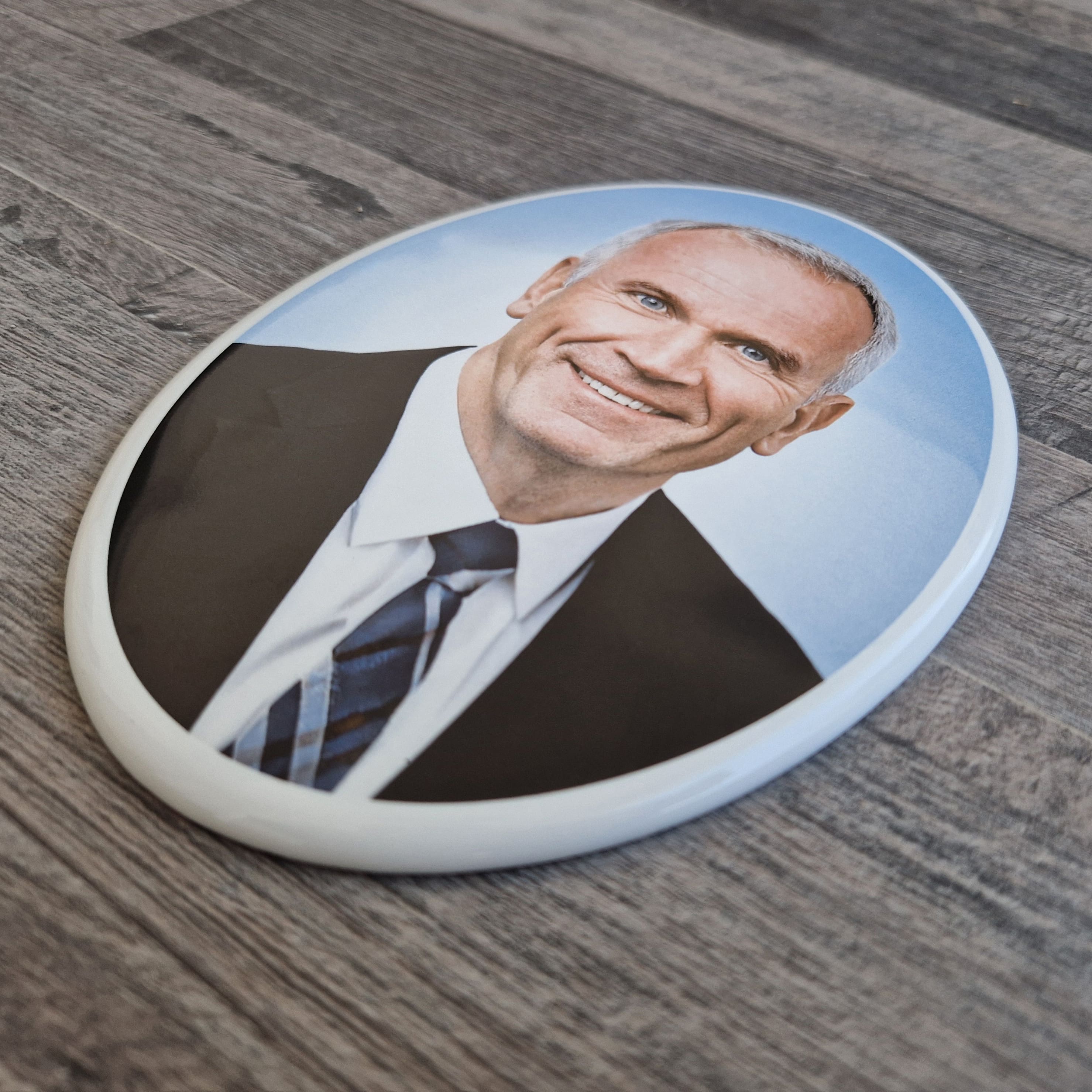
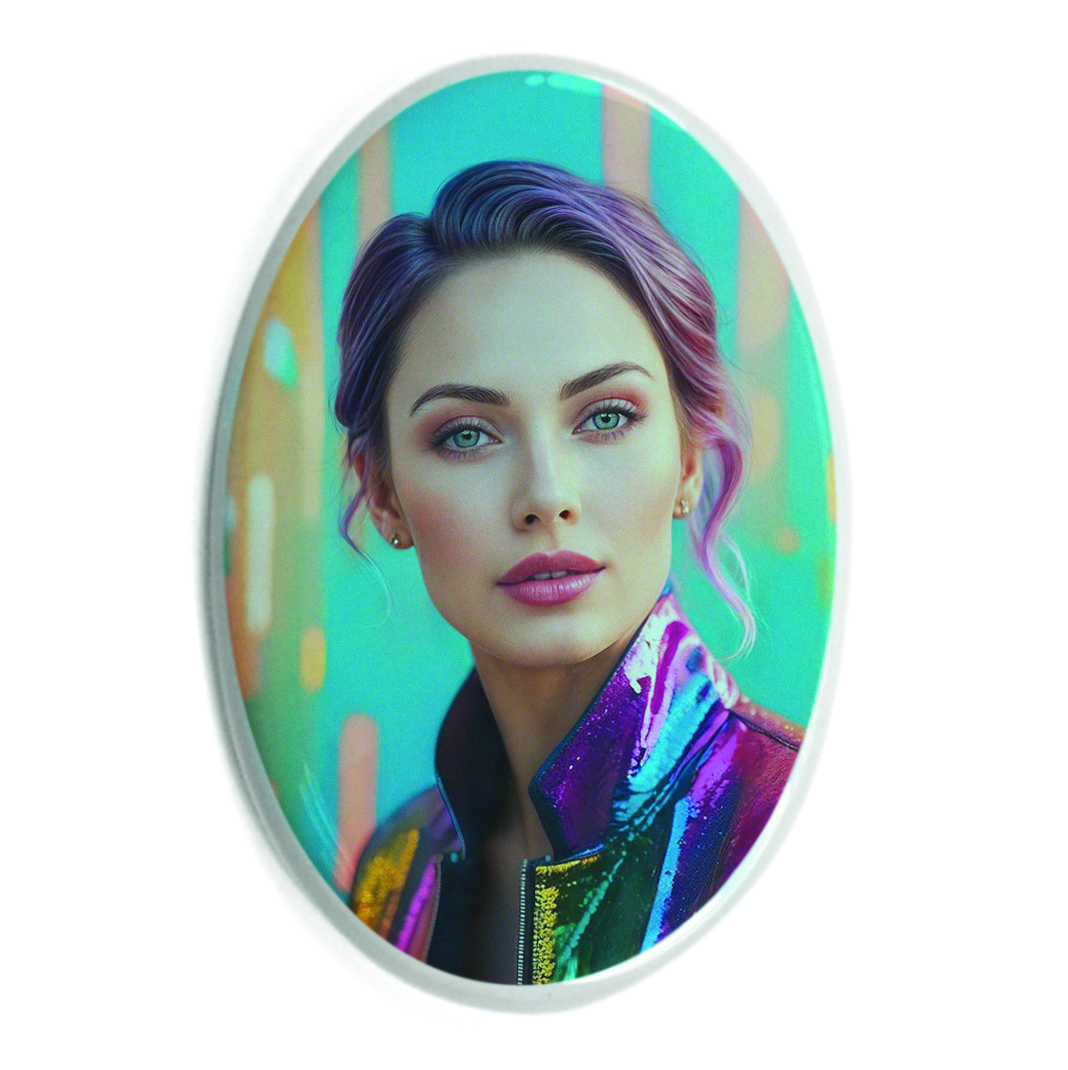
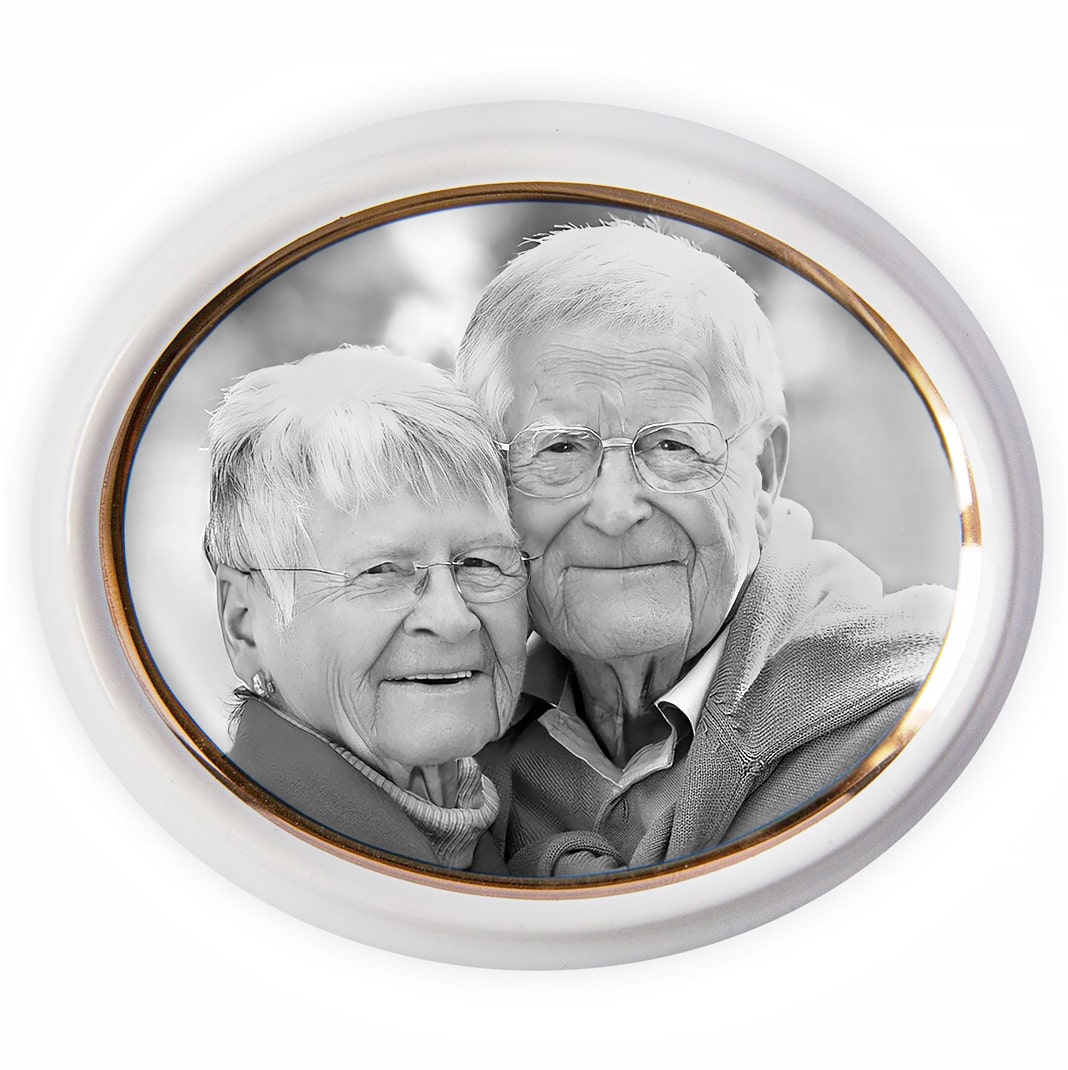
The Сeramic Printer A4-300 is a printing device designed for applying images to ceramic products. This printer prints images with ceramic toner on special paper. Next, the image is transferred to the surface of ceramics or porcelain and placed in a muffle furnace.
High image quality, a resolution of 1200 x 1200 dpi allows you to convey photographic image detail.
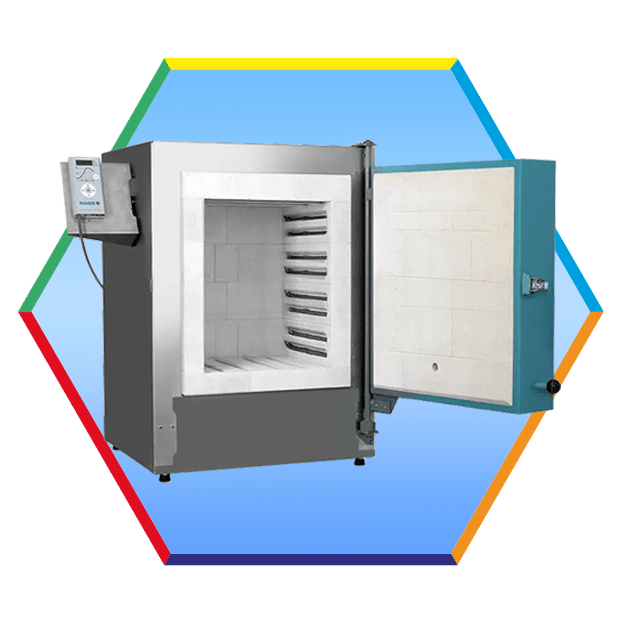
The technology uses a muffle furnace. Thanks to the high-temperature firing of the product in a muffle furnace at a temperature of about 830 degrees Celsius, the ceramic paint is baked deep into the glaze layer, ensuring the durability of the image, as well as resistance to sunlight and precipitation (rain, fog, snow, hail).

Technology for creating photoceramics using the A4-300 printer
To apply the image to the surface of ceramics (before firing in a muffle furnace), any of the following technologies can be used:
- Printing technology on special paper that already has a film for transfer (Express Decal Print Paper – EDP paper).
- Decal printing technology with laminator and then transfer to ceramics
- Decal Paper Printing Technology Using Decal Varnish
Let's consider the option of transferring the image to ceramics using special paper with a film.
This is the easiest and fastest way to apply an image to ceramics.
- First of all, print the image on this paper (EDP paper).
- Then place the image in water for a few minutes. In water, the image on the film is separated from the paper and we transfer it to the surface of the ceramics.
- Dry the image.
- Place in the muffle furnace



Let's consider the option of transferring the image to ceramics using a laminator.
- Print the image on decal paper.
- Connect the decal paper and lamination decal paper (LDP paper) together (like a sandwich) and pass it through a laminator
- Separate the top layer of lamination paper
- Place the image in water for a few minutes. In water, the image on the film is separated from the paper and we transfer it to the surface of the ceramics.
- Dry the image.
- Place in the muffle furnace
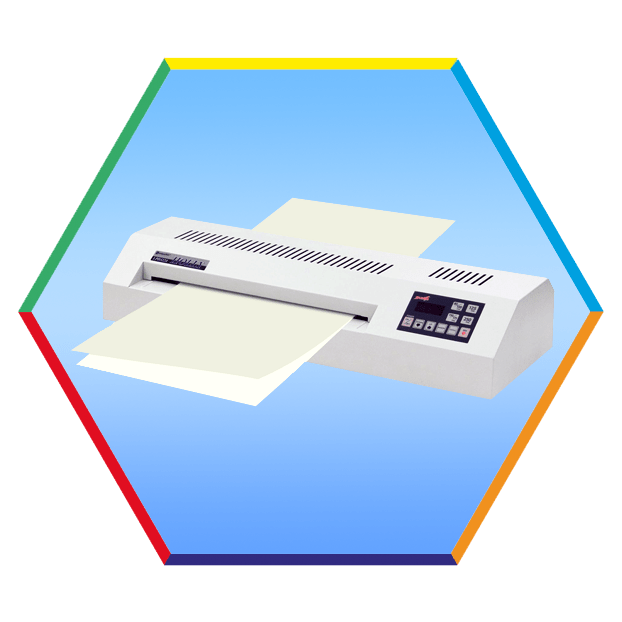
Let's consider the option of transferring the image to ceramics using decal paper and decal varnish.
- Print the image on decal paper.
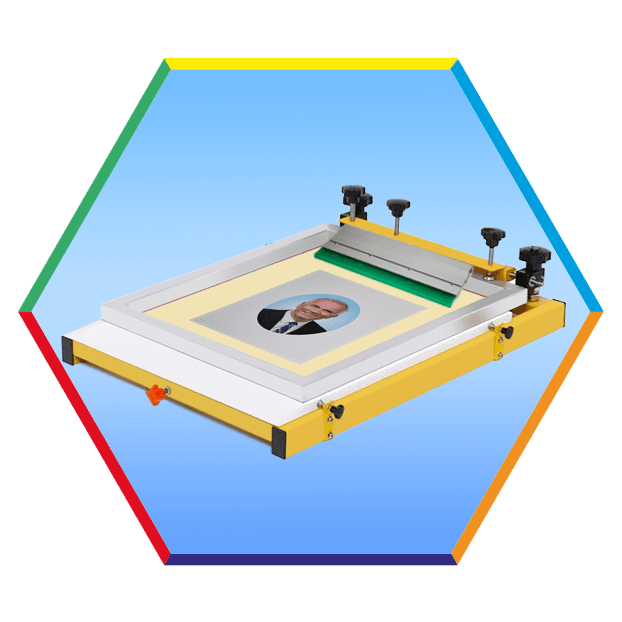
- Install the paper on the silk-screen table
- Apply a thin layer of varnish through a silk-screen mesh to the surface of the decal paper on top of the image
- Drying the decal paper
- Place the image in water for a few minutes. In water, the image on the film is separated from the paper and we transfer it to the surface of the ceramics.
- Dry the image.
- Place in the muffle furnace
Choose the right photoceramic manufacturing technology for your application. If you do not know which technology is more suitable for you, then our specialists will be able to advise you and help you choose the best technology.
To prepare and print an image on a printer, the graphic editor Photoshop is most often used. Printing ceramic decals is carried out with ceramic toner.
This printer allows you to produce products such as
- ceramic tiles with photos
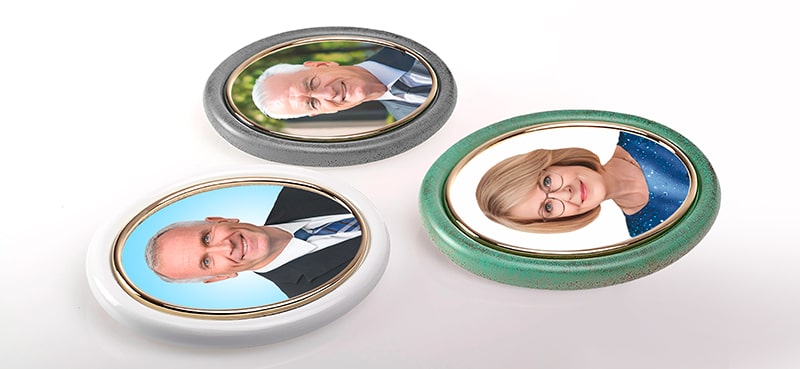
- photographs on porcelain ovals for monuments (oval porcelain plaques, ceramic pictures for headstones)
- photographs on ceramic ovals for monuments
- photographs on porcelain and ceramics dishes (vases, cups, plates)
- images on any ceramics and porcelain products.
Using a ceramic printer A4-300 you can print ceramic decals for popular oval sizes 3x4cm, 4x6cm, 5x7cm, 6x8cm, 6x9cm, 7x9cm, 8x10cm, 9x12cm, 10x13cm, 11x15cm,13x17cm, 13x18cm, 15x20cm, 16x19cm,17x22cm, 17x23cm,18x24cm, 20x30cm and you can also print photos for rectangular plaques, heart shapes, ceramic books and more.
The business of creating images on ceramics is profitable and such products are always in demand.
The printer kit includes training materials and instructions with the technological process.
The specialists of our company will help you achieve success in the business of applying images to ceramic products. You can always ask a question and get advice on the operation of the printer and the technology of applying images to ceramics.
Characteristics
| Max. paper size | A4, 210 mm x 297 mm (max printing area 200x287mm) |
|---|---|
| Printer resolution | 1200 x 1200 dpi |
| Interface | USB, WiFi |
| Printer capacity | 220 Volt, 1200 W – printing |
| Printer driver | Win10, Win11 |
| Weight, Size | 47 kg , 498 x 561 x 510 mm |
| Guarantee | 12 months guarantee including extended service |
The kit includes:
- Ceramic Printer
- Ceramic toner – 100 gram ×4 (tucked into the printer, using start toner set can print about 300 A4 sheets)
How to buy a Color Ceramic Printer A4-300?
If you want to buy a Decal Ceramic Printer A4-300, then you can get additional information, find out the availability in stock, current price, delivery from the managers of our company using the details specified in the Contacts section (Phone, e-mail, WhatsApp, Viber) or leave a message in the feedback form and our manager will contact you.