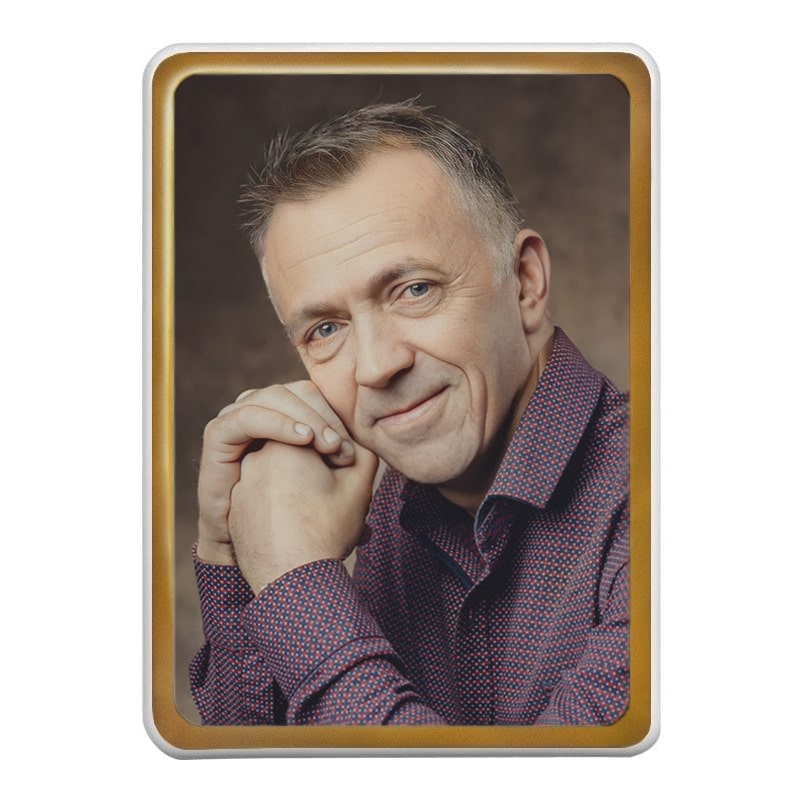
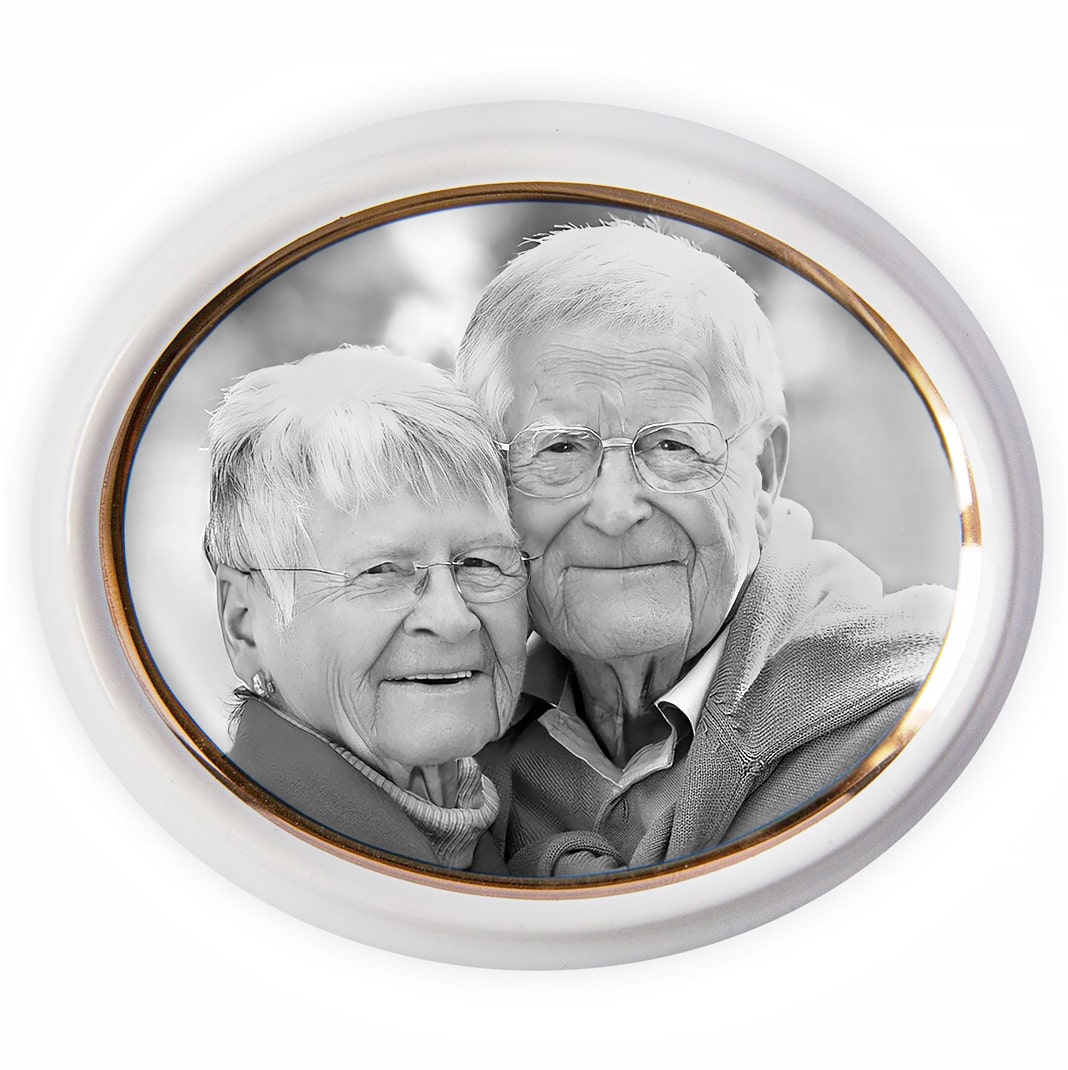
The Color Decal Printer A3-300 is designed for creating photographs on porcelain and ceramics. It uses ceramic toner and specialized printing paper.
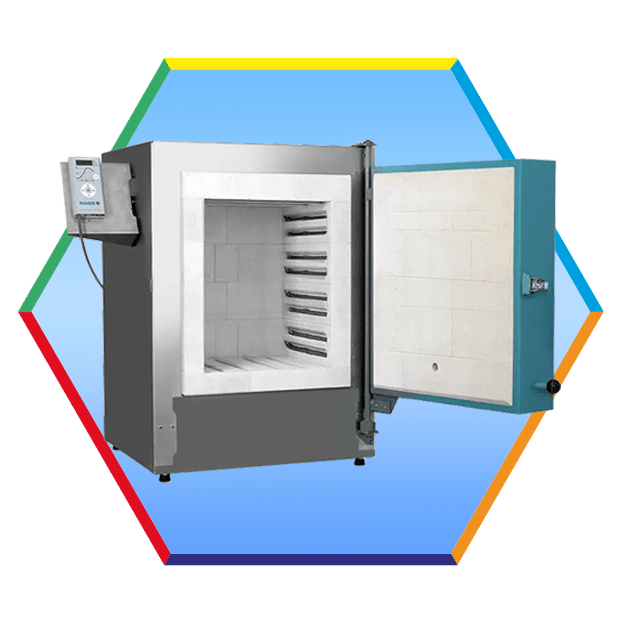
To fix the ceramic paint, firing in a muffle furnace at a temperature of about 830°C is used, which gives the image durability and protection from the external environment.
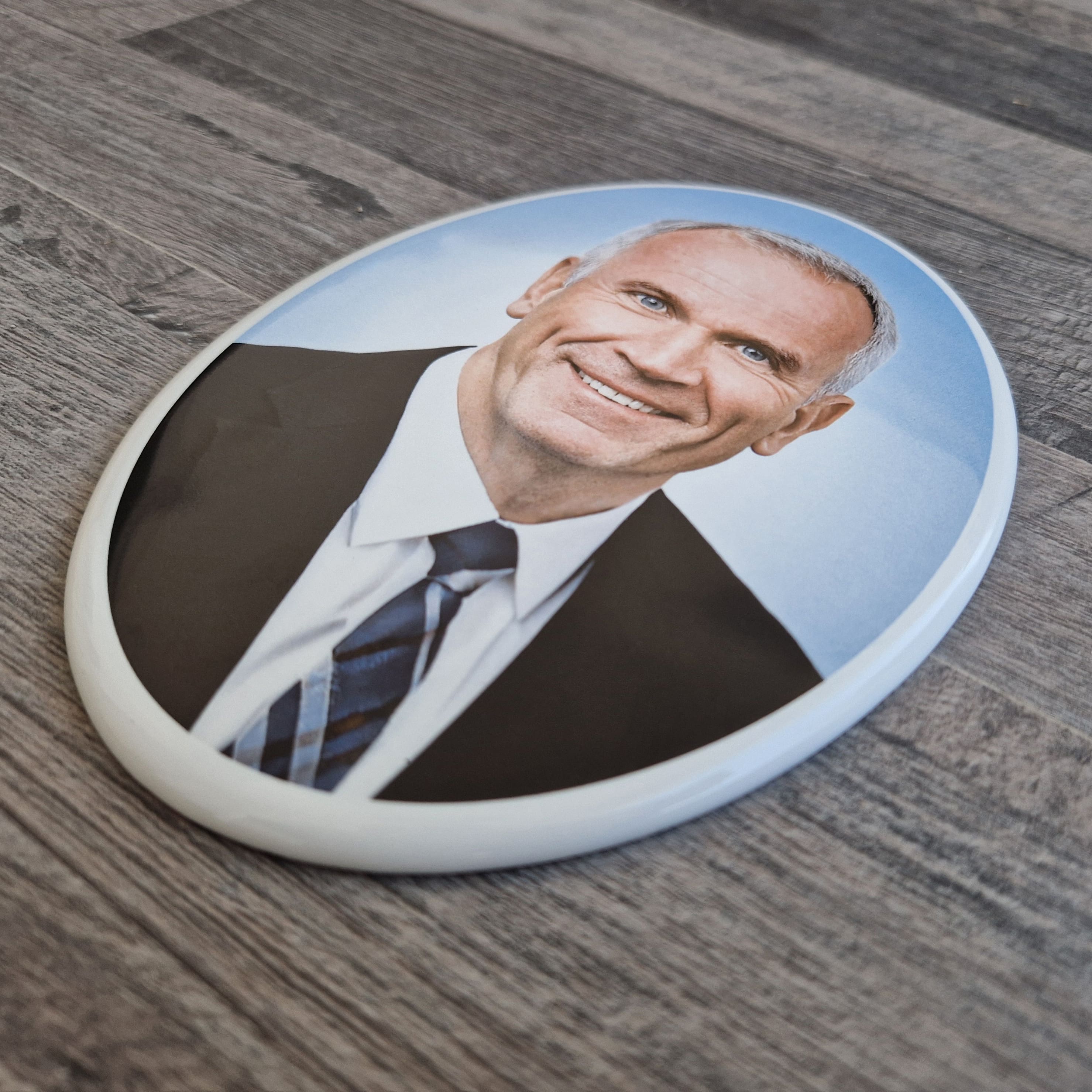
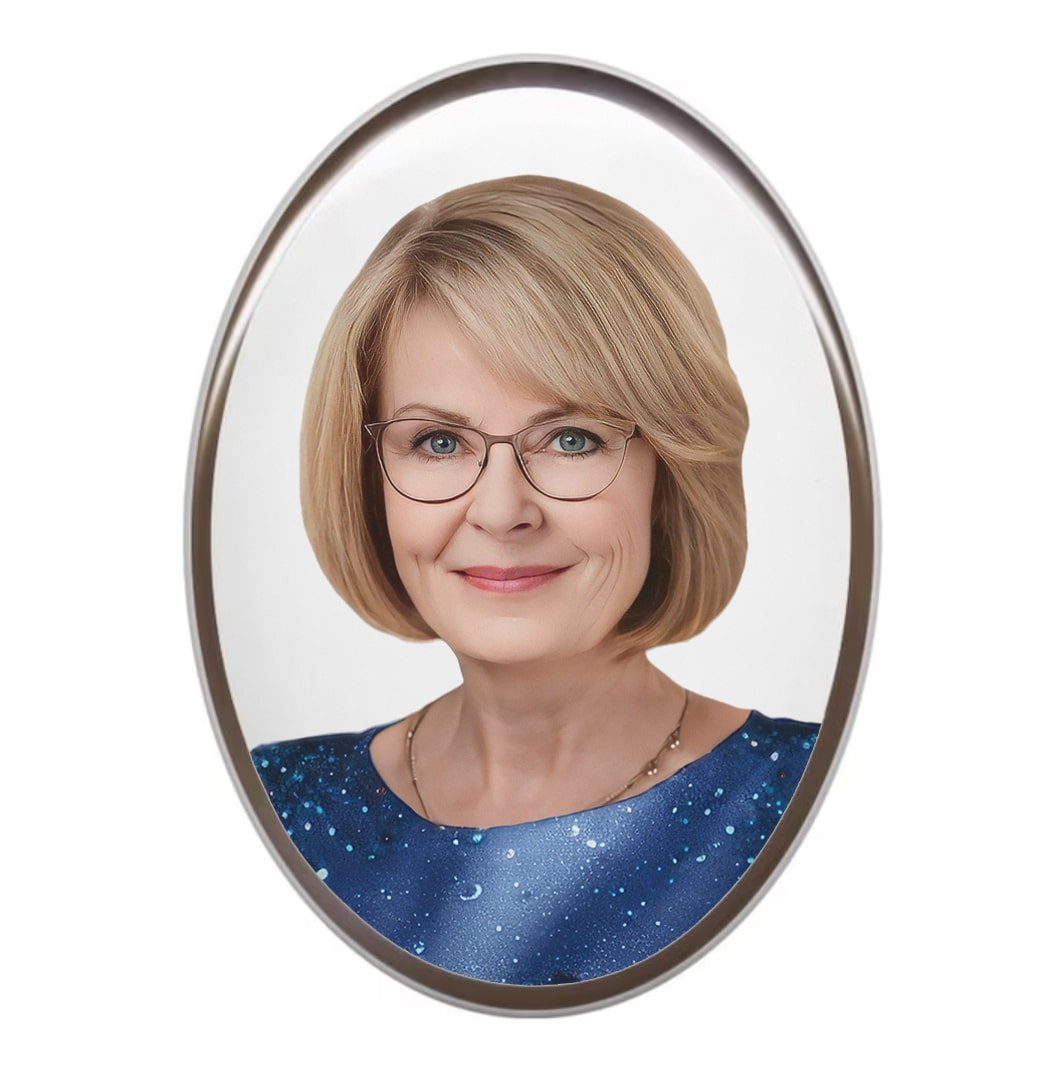
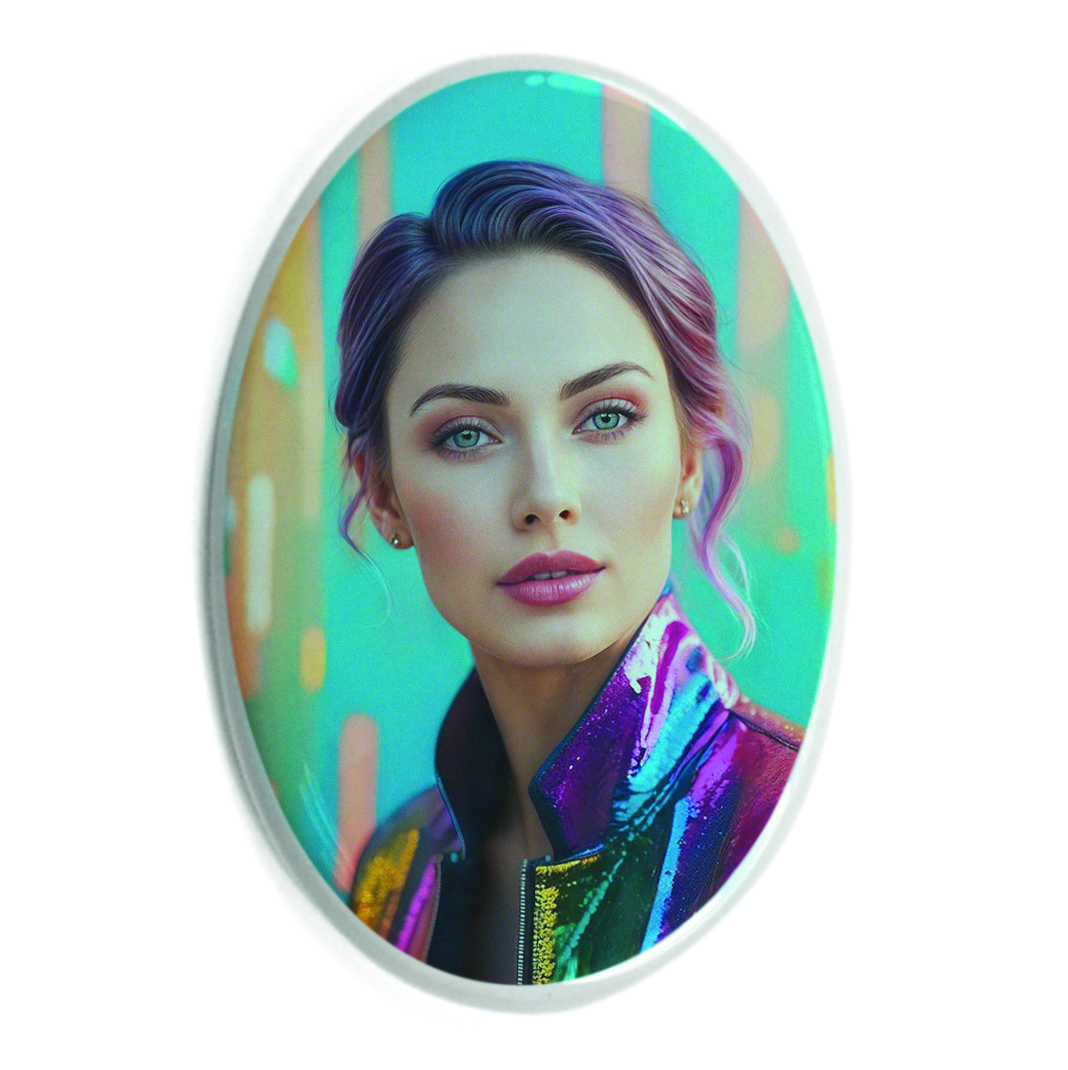
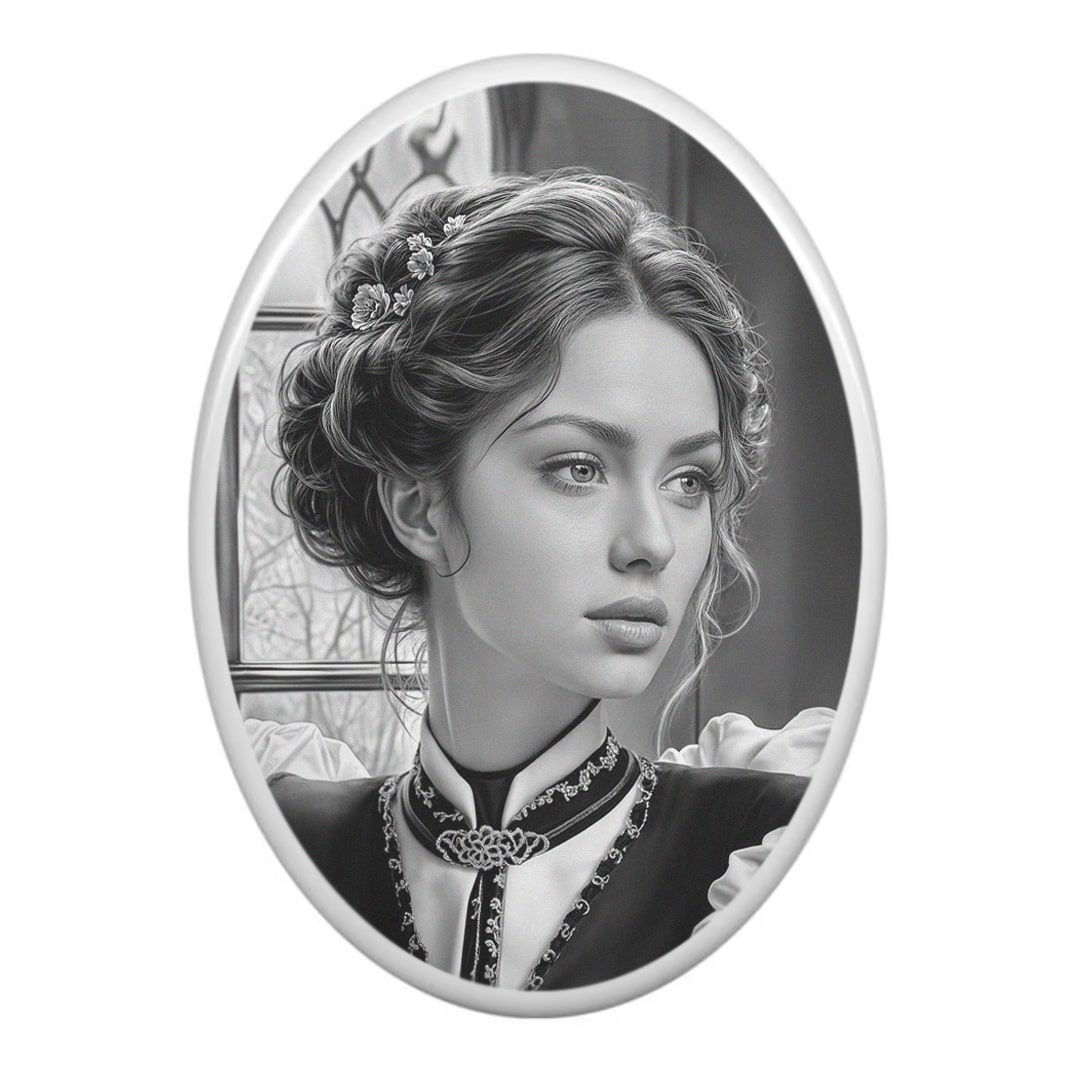
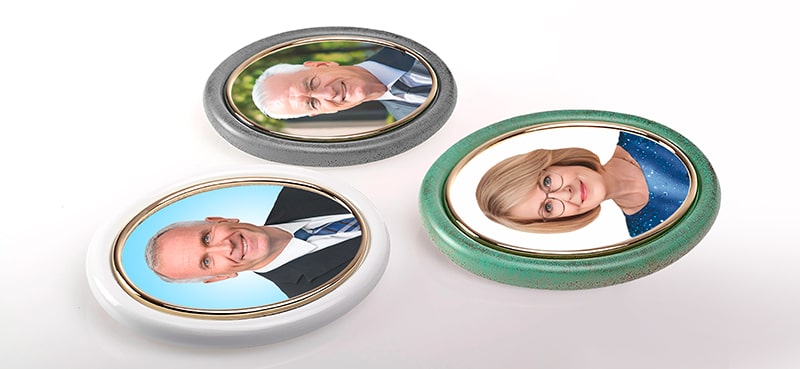
The printer A3-300 is also easy to handle products such as ceramic tiles, ceramic tableware, tombstone ovals and plaques.

The technology for making photoceramics using the printer A3-300 includes three methods for transferring the image to a ceramic surface before firing in a muffle furnace:
- The method of printing on specialized paper with a transfer film already built-in.
- The process of printing on decal paper using a laminating device, and then transferring the image to ceramics.
- Decal printing technology using a special decal varnish.
Each of these approaches allows you to efficiently transfer the image, ensuring the high quality of the final product. The choice of a specific technology depends on the desired result and the equipment available.
Let's consider the option of transferring the image to ceramics using special paper with a film (EDP paper).
This is the easiest and fastest way to create an image on porcelain
- First, print the image on this paper.
- Then place the image in water for a few minutes. In water, the image on the film is separated from the paper and we transfer it to the surface of the porcelain.
- Dry the image.
- Place the product in the muffle furnace



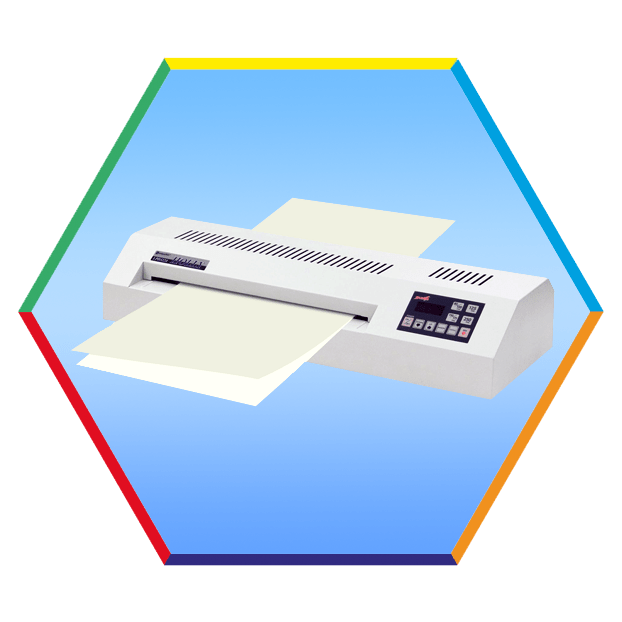
Let's consider the option of transferring the image to ceramics using lamination.
- Print the image on decal paper.
- Connect the decal paper and lamination paper (LDP paper) together (like a sandwich) and pass through the laminator
- Separate the top layer of lamination paper
- Place the image in water for a few minutes. In water, the image on the film is separated from the paper and transferred to a porcelain surface
- Dry the image.
- Place the product in the muffle furnace
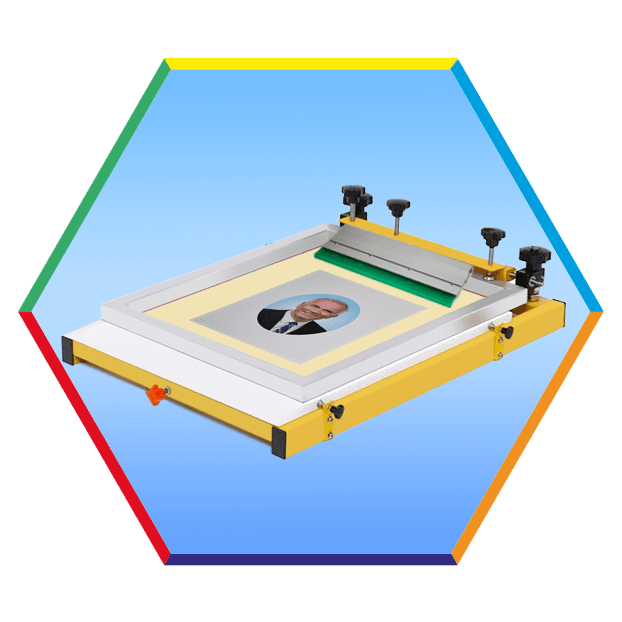
Let's consider the option of transferring the image to ceramics using decal paper and decal varnish.
- Print the image on decal paper.
- Place the paper on the silkscreen printing table
- Apply a thin layer of silkscreened varnish to a decal sheet on top of the imagee
- Dry the paper
- Place the image in water for a few minutes. In water, the image on the film is separated from the paper and transferred to a ceramic layer.
- Dry the image.
- Place the product in the muffle furnace
Choose the best photoceramic technology for your application. If you do not know which technology is right for you, our experts will advise you and help you choose the best technology.
To prepare and print images on the printer, usually used the Photoshop graphic editor. The printing process is carried out using ceramic toner.
This printer makes it possible to create various products, such as:
- ceramic tiles with photos
- photographs on ceramic ovals for monuments
- images on porcelain ovals for memorial slabs
- photographs on porcelain and ceramic tableware (including vases, cups, plates)
- iimages on any objects made of ceramics and porcelain.
Using a ceramic printer A4-300 you can print ceramic decals for popular oval sizes 3x4cm, 4x6cm, 5x7cm, 6x8cm, 6x9cm, 7x9cm, 8x10cm, 9x12cm, 10x13cm, 11x15cm,13x17cm, 13x18cm, 15x20cm, 16x19cm,17x22cm, 17x23cm,18x24cm, 20x30cm, 24x30cm, 25x30cm, 30x40cm, 30x60cm and you can also print photos for rectangular plaques, heart shapes, ceramic books and more.
The business of creating images on ceramics is profitable and in constant demand.
The printer comes with training materials and a manual describing the technological process.
Compared to the A4-300, the A3-300 expands your capabilities, allowing you to additionally produce large format images up to 305mm wide and up to 12570mm long.
Characteristics
| Max. paper size | A3+, 320 mm x 12600 mm (max printing area 305x12570mm) |
|---|---|
| Printer resolution | Up to 1200x 1200 dpi |
| Interface | USB, WiFi |
| Printer capacity | 220 Volt, 1584 W – printing |
| Printer driver | Win10, Win11 |
| Weight, Size | 99,3 kg , 587 mm x 685 mm x 963 mm |
| Guarantee | 12 months guarantee including extended service |
Our experts are ready to help you succeed in the field of ceramic imaging. You can always ask for advice and questions about the printer's operation and printing technology on ceramic surfaces.
The kit includes:
- Ceramic Printer
- Ceramic toner – 250 gram ×4 (tucked into the printer, enough for about 600 A4 sheets)
How to purchase a Color Ceramic Printer A3-300?
If you want to purchase an A3-300 Ceramic Printer, MIRTELS will help you get more information, checking availability in stock, clarifying the current price and delivery terms, you can contact the managers of our company. If you want to know ceramic printer price, you find contact details can be found in the "Contacts" section (phone, email, WhatsApp, Viber). You can also leave a message through the feedback form, and our manager will contact you.